Install the current B9 app on Android via the official
B9 APK, or add B9 Game to your iPhone home screen straight from
Safari. Either route reaches the same account, the same wallet and the same slot
library — and both take under three minutes on a normal connection. This page walks
through every step, including the parts Android makes deliberately awkward.
Install in 3 minLatest B9 APKApprox 60–120 MB
Rs 10,000Welcome BonusAvailable to new members after installing the app
120 MBStorageFree space needed for a clean install
3 minSetupRegister, install and sign in
Android Guide
Installing The B9 APK On Android
Android deliberately makes installing apps from outside the Play Store a multi-step
process. None of the steps are difficult, but skipping one is the reason most failed
installs happen. Follow these in order and it works first time.
Register Your Account First
Create your B9 account through the official registration link before you install
anything. You will need a working mobile number to receive the verification code,
and a password you do not reuse on other sites. Register with your real name — it
must match the payment method you later withdraw to, or the cash-out will be
rejected at verification.
Allow Installs From Unknown Sources
Open Settings → Apps → Special app access → Install unknown
apps, select the browser you will download with, and switch on
“Allow from this source”. On older Android versions the setting lives
under Settings → Security → Unknown sources. Without this,
the APK simply will not open.
Download The Latest B9 APK
Use the official download link on this page. Wait for the download to complete fully
before tapping it — a partially downloaded APK produces a “There was a problem
parsing the package” error, which is the single most common install failure.
Do not use third-party APK mirrors; re-hosted builds are usually outdated and are
the main source of login and payment errors.
Install, Sign In, Then Lock It Down
Open the downloaded file and confirm the install prompt. Android will show a
security warning — that is expected for any APK from outside the Play Store. Once
installation finishes, sign in with the account you created, then go back into
settings and revoke the “install unknown apps” permission from your
browser. You no longer need it, and leaving it on is unnecessary exposure.
iPhone & iPad Guide
Adding B9 Game To Your iOS Home Screen
There is no B9 APK for iOS — Apple does not permit APK files at all. Instead, B9
Game runs as a home-screen web app, which on modern iOS is close to indistinguishable
from a native app: it gets its own icon, opens full-screen without a browser bar, and
keeps you signed in between sessions.
Open the B9 site in Safari specifically. Chrome and Firefox on iOS
cannot add a proper home-screen app, and this is the most common reason iPhone users
think the option is missing. Tap the Share button in the toolbar,
scroll the list, and choose Add to Home Screen. Name the icon and
confirm.
The icon then behaves like any other app on your device. You reach the same account,
wallet, bonus progress and slot library as Android users — nothing is held back on
iOS, and updates arrive automatically because the web app always loads the current
version.
Use Safari. Other iOS browsers cannot create a real home-screen app.
Share → Add to Home Screen. The option sits partway down the share sheet.
Always current. The web app loads the latest build every time — no manual updates.
Same account. One wallet across iOS, Android and mobile browser.
Android packageAPK, installed directly from the official link
Android version6.0 Marshmallow or newer
iOS methodSafari → Share → Add to Home Screen
iOS versioniOS 13 or newer
Free storageRoughly 60–120 MB
RAM2 GB or more for smooth slot animation
ConnectionStable 4G or Wi-Fi
PermissionsStorage and notifications only
CostFree to download and install
Minimum age18 years and over
Data usage
Slot games stream their graphics and audio on demand, so the first launch of any
new title uses noticeably more data than later sessions. If you play on a metered
mobile package, open a few new games while on Wi-Fi and they will load far more
cheaply afterwards.
Inside The B9 App
What The App Looks Like Once Installed
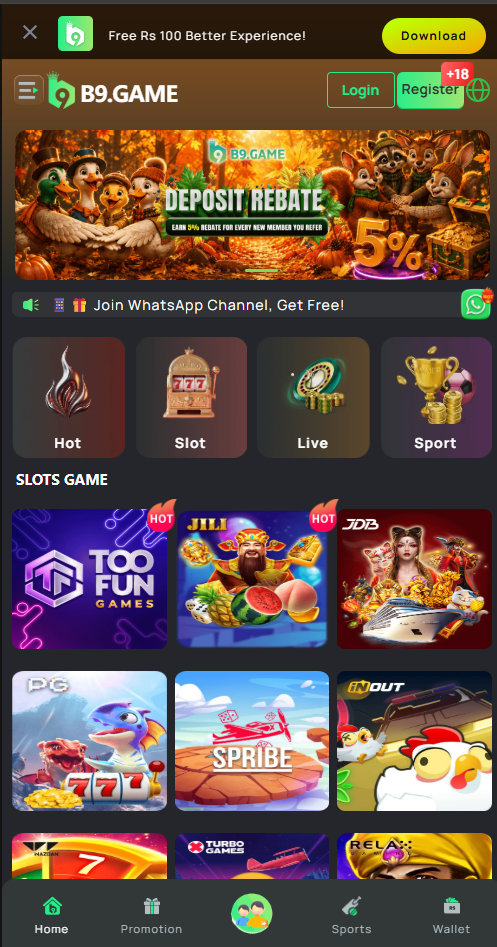
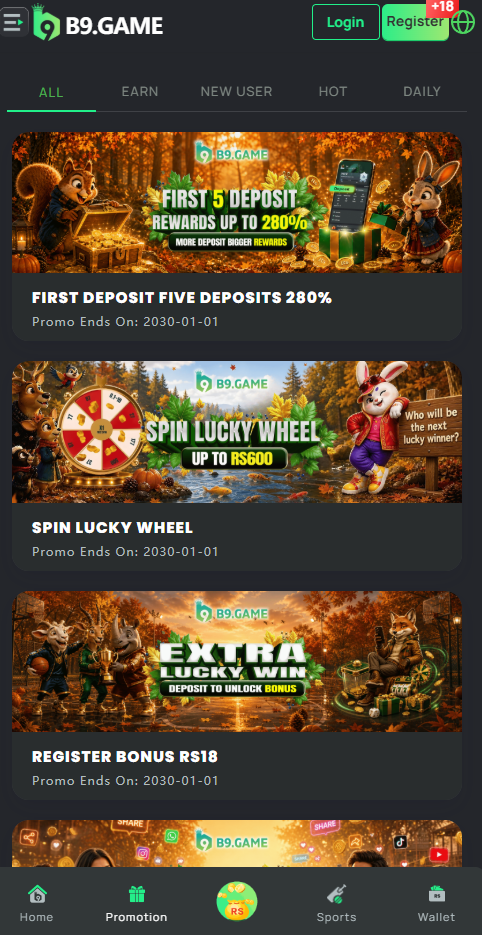
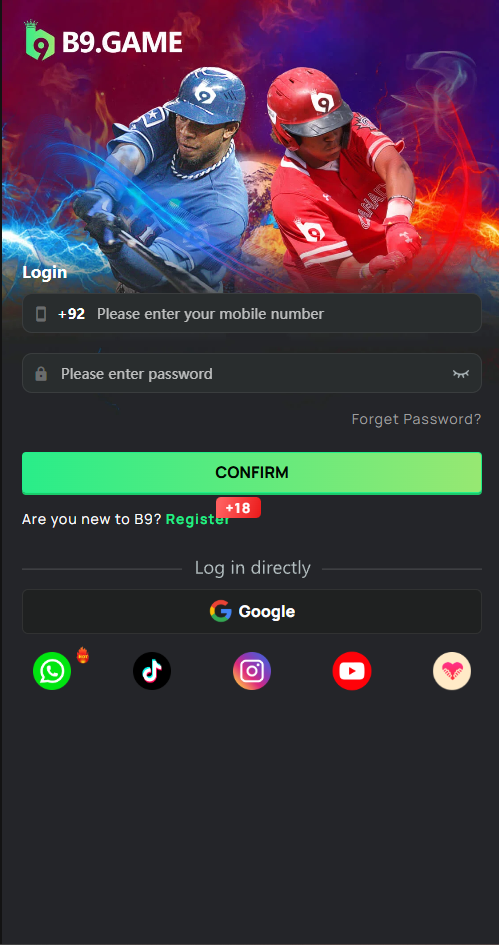
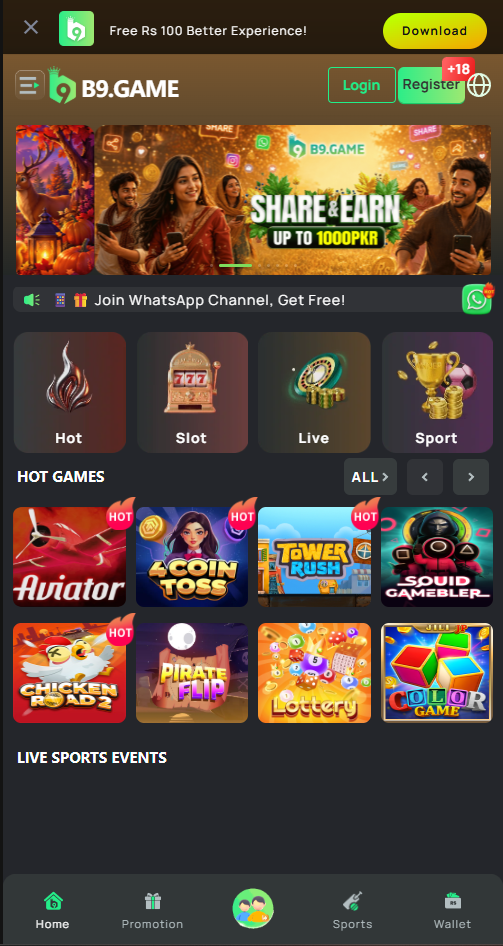
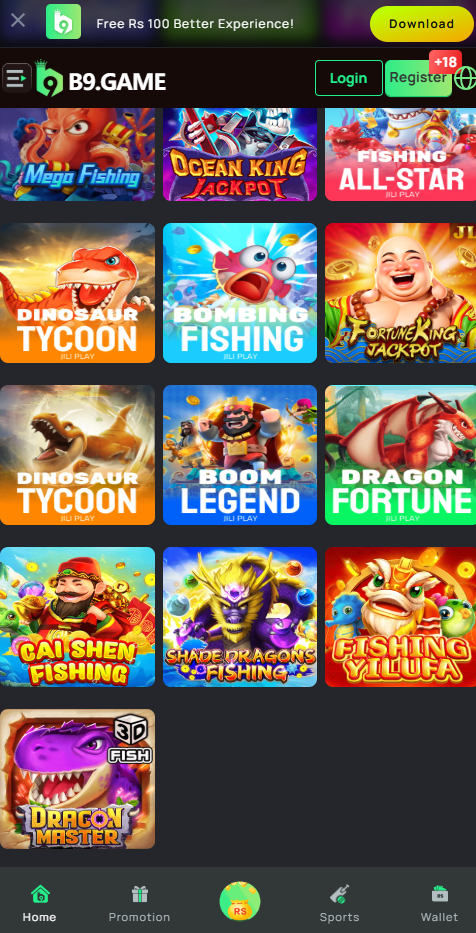
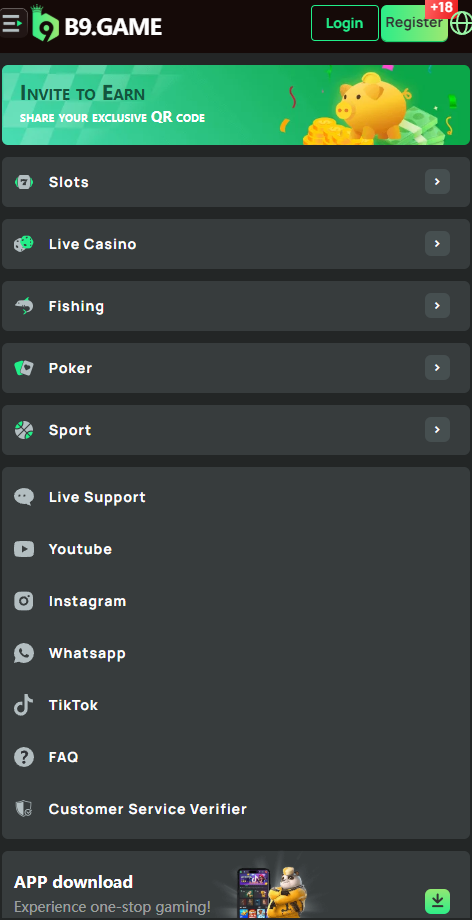
Captures from the live B9 app so you know exactly what you are installing. Swipe or
drag the slider, use the arrows, or press the left and right arrow keys to move
through the promotions hub, slot lobby, game grid, wallet and account centre.
Promotions HubLive offers, rewards and end dates in one list
Slot LobbyBrowse by studio or jump into the hot reels
Game GridCover art, search and recently played
WalletDeposit, withdraw and review transactions
Account CentreProfile, verification, limits and support
App vs Browser
Why The App Beats Playing In A Browser
You can play B9 slots in a mobile browser without installing anything, and for a quick
look that is perfectly fine. For regular play, the app is measurably better in four
specific ways.
01
Smoother Slot Performance
The app caches game assets locally instead of re-fetching them through a browser
engine every session. Reel animations run at a steadier frame rate and spins feel
noticeably less laggy, which matters most on mid-range Android hardware and on
slower mobile data.
02
Stays Signed In
Browser sessions expire and cookies get cleared, so you end up re-entering your
password constantly. The app maintains a persistent session, which means opening it
takes you straight to the lobby — and reduces how often you type your credentials in
public.
03
Promotion Notifications
New slot releases and time-limited promotions are announced through the app. If you
would rather not be nudged, notifications can be switched off entirely in your device
settings — and if you find promotional prompts encourage you to play more than you
intended, switching them off is a sensible move.
04
Faster Wallet Access
Deposits, withdrawals, transaction history and verification uploads are all one tap
from the lobby rather than several page loads deep. It also makes setting deposit
limits easier to find — which is the feature you should configure on day one.
Troubleshooting
If The Install Goes Wrong
Almost every failed B9 APK install traces back to one of five causes. Work through
these before contacting support — most are resolved in under a minute.
This nearly always means the APK did not finish downloading. Delete the file from
your Downloads folder, check you have enough free storage, and download it again
on a stable connection without switching apps mid-download.
The other possibility is an Android version below the app's minimum. Check
Settings → About phone → Android version — you need 6.0
or newer.
The “install unknown apps” permission has not been granted to the app
you are tapping from. Note that the permission is per-app: granting it to Chrome
does not grant it to your Files manager. Open
Settings → Apps → Special app access → Install unknown
apps, find whichever app you are opening the APK from, and enable it there.
Usually caused by an older copy of the app already on the device, signed
differently to the new build. Uninstall the existing B9 app completely, restart the
phone, then install the new APK. Your account and balance live on the B9 servers,
so nothing is lost by uninstalling.
Insufficient storage produces the same message. Free up at least 200 MB before
retrying.
Nine times out of ten this is an outdated build. Slot titles are added and updated
continuously; an old B9 APK will show gaps or fail to open newer games. Install the
latest version over the top — your balance and bonus progress are unaffected.
If the lobby is still empty on the current build, clear the app cache from
Settings → Apps → B9 → Storage → Clear cache
(clear cache, not clear data), then reopen.
Confirm you are using the same mobile number you registered with, including the
correct country code, and that you completed the verification code step at
registration. If the password reset link does not arrive, check whether the number
on file is the one you still use.
If it still fails, message the
24/7 Telegram support channel
with your registered number — do not create a second account, as duplicate
accounts are closed under the operator's terms and any balance may be forfeited.
No. Your account, wallet balance, bonus progress and game history are stored on the
B9 servers, not on your phone. Installing a newer build over an older one — or even
uninstalling entirely and reinstalling — leaves all of it intact. Only your local
cache is affected.
Three Minutes From Now
Download The Latest B9 App
Register, install the current B9 APK or add the web app to your iPhone home screen, and
claim a welcome package worth up to Rs 10,000. Support is one Telegram message away if
anything goes wrong.